Wallpapers Free wallpapers for phone and desktop
My landscapes and wall art for your screen: every motif comes as a file for your phone, and the photographs for your desktop as well. Download whatever you like, with no sign-up and free of charge.
Phone: 1290 × 2796 pixels, desktop: 2560 × 1440 pixels, as JPEG.
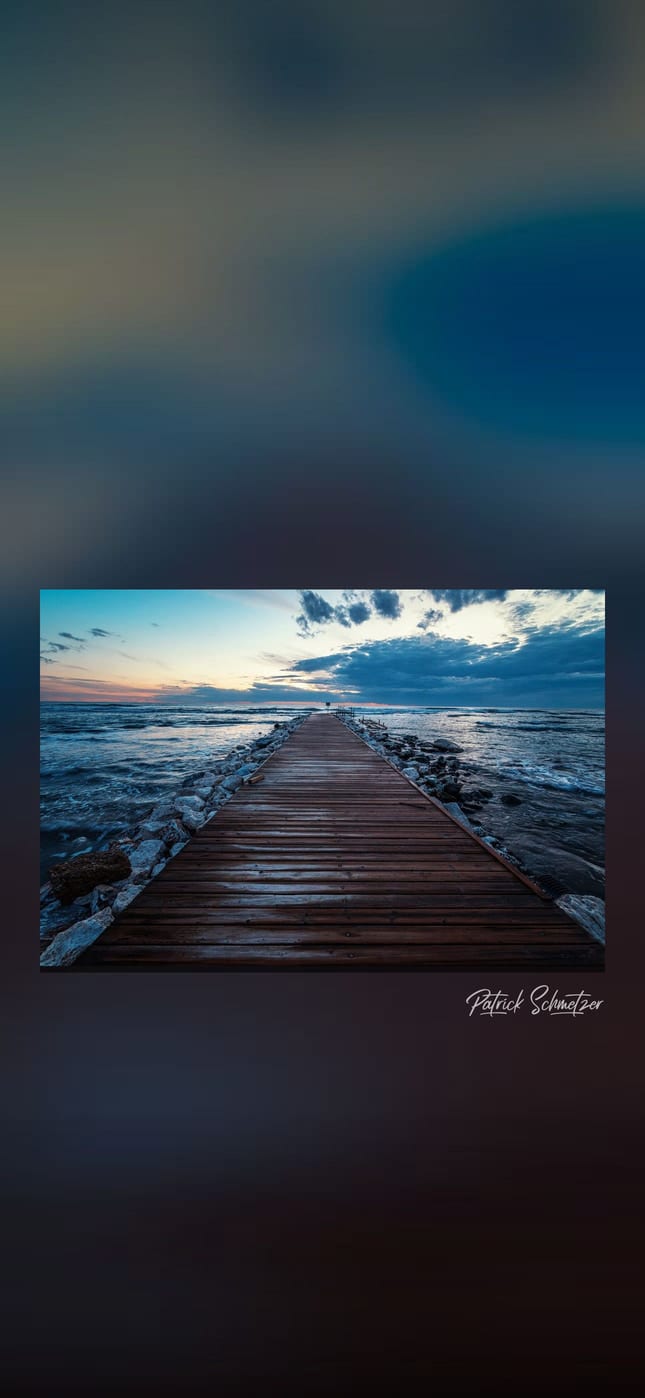
Photography
From my landscape and travel photography: coastlines, lighthouses, a castle and the evening light over Santorini.
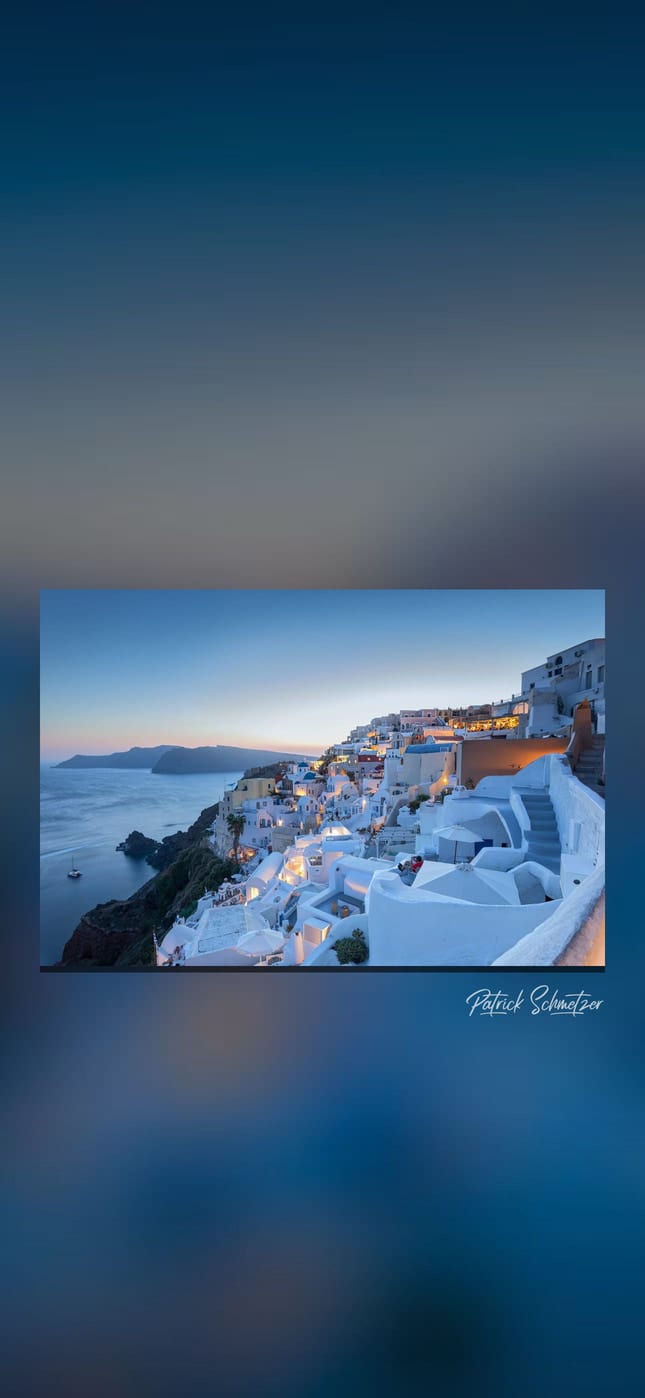
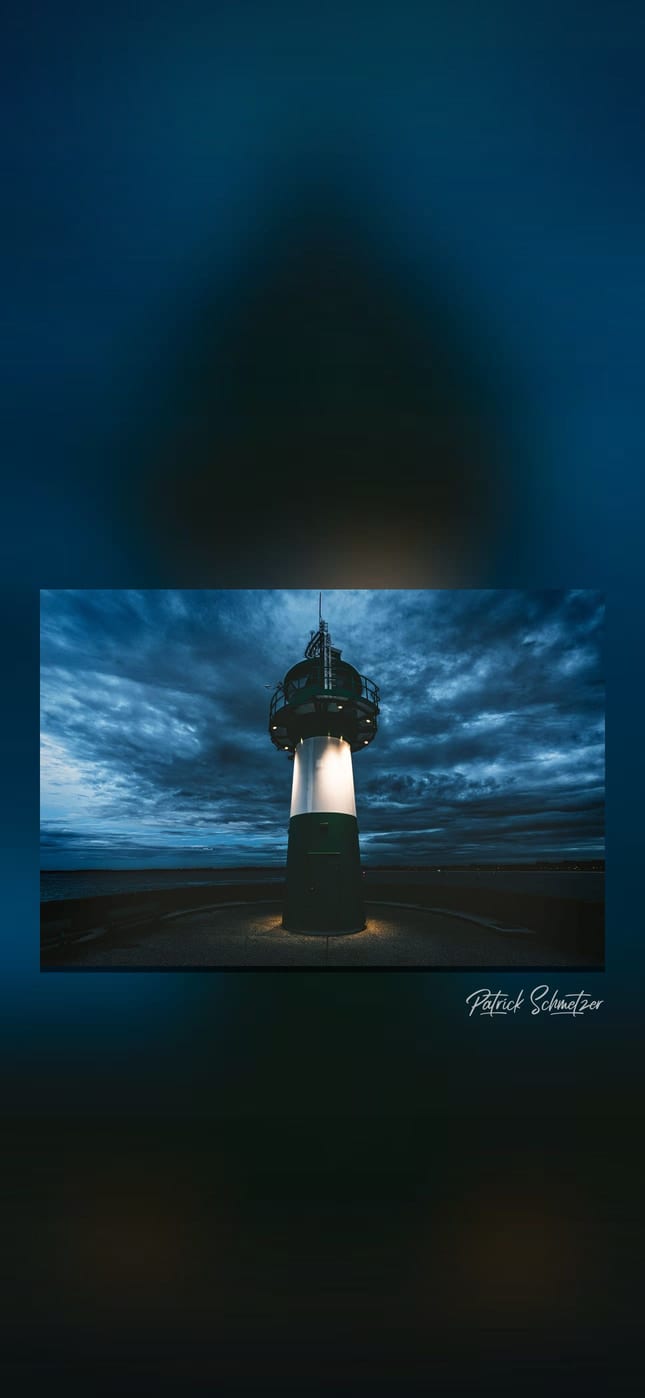
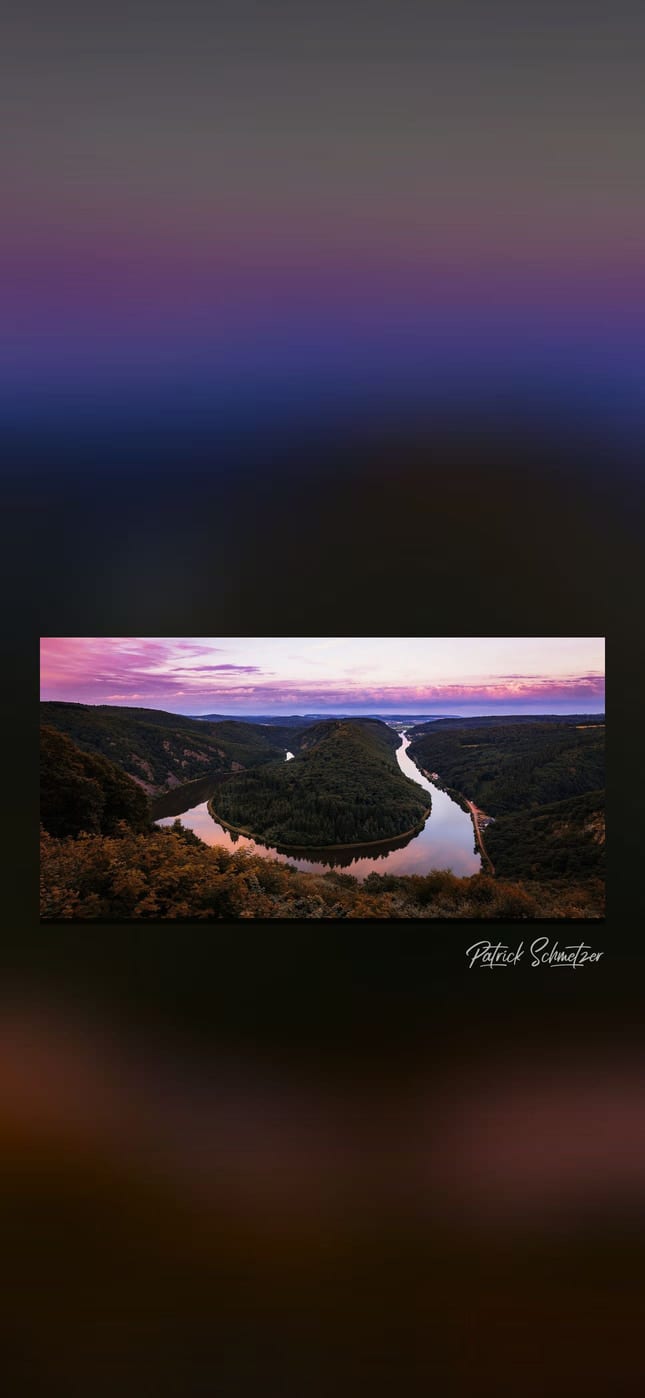
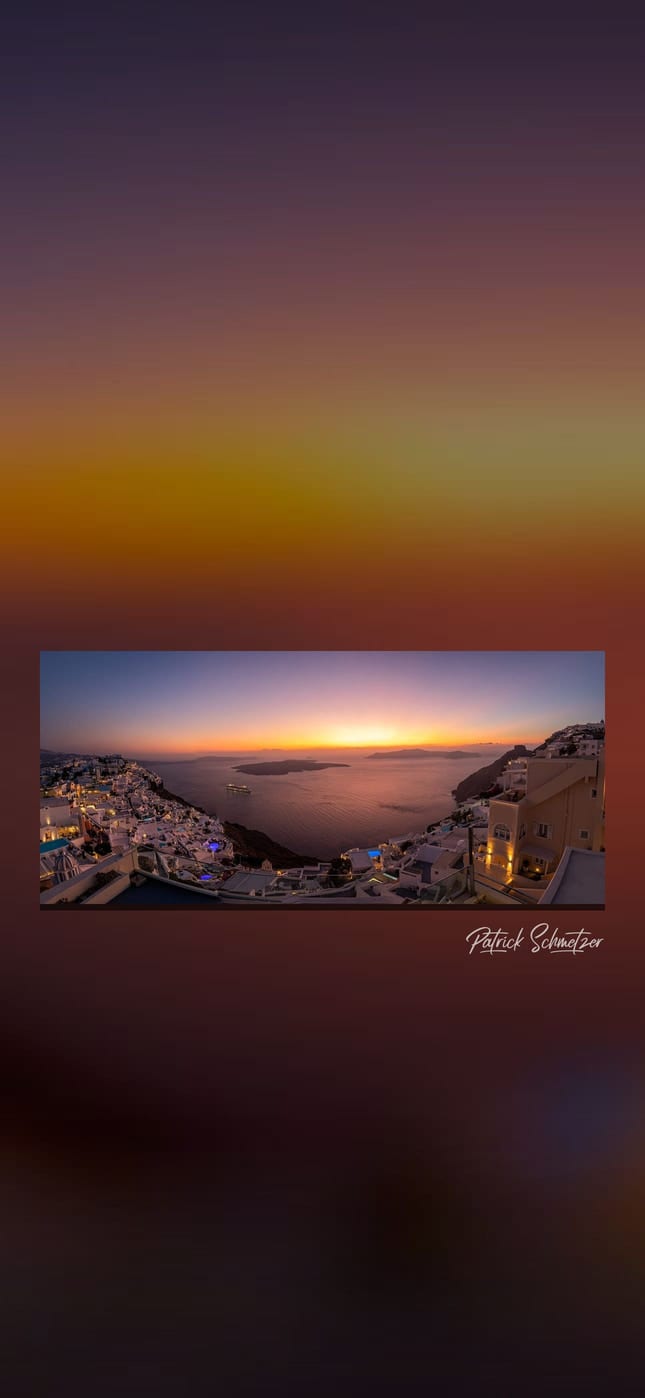
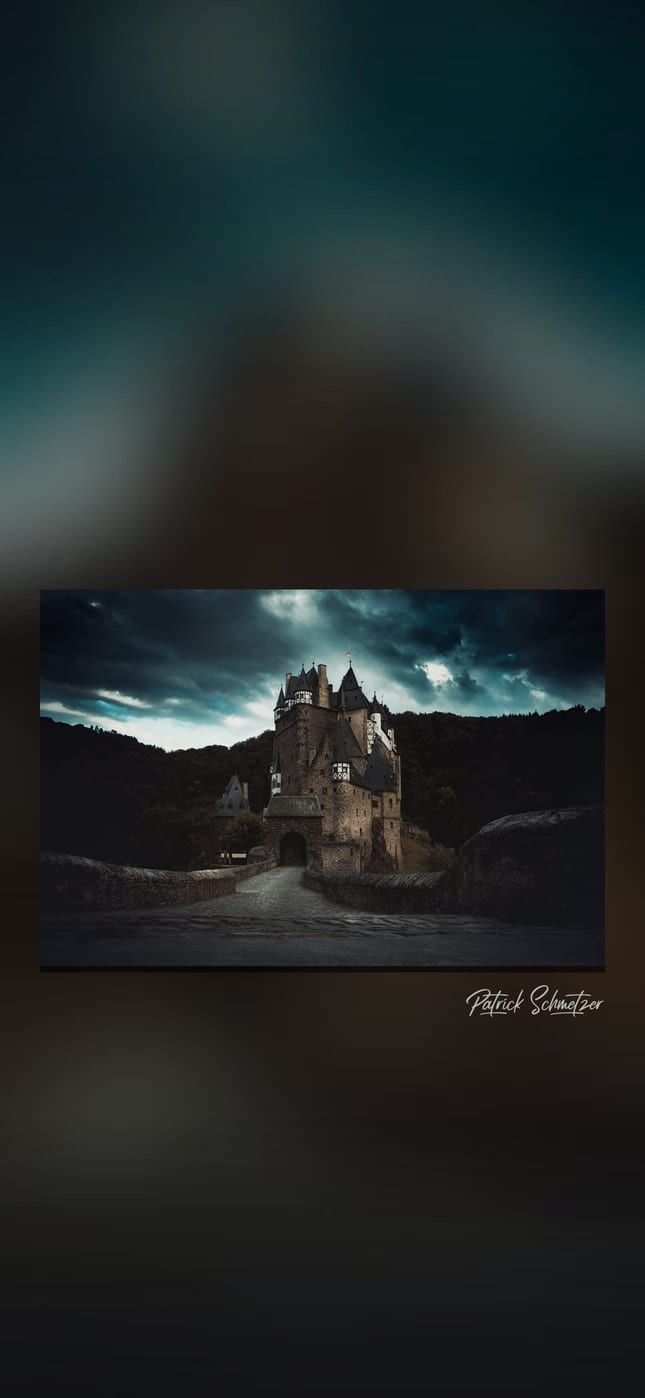
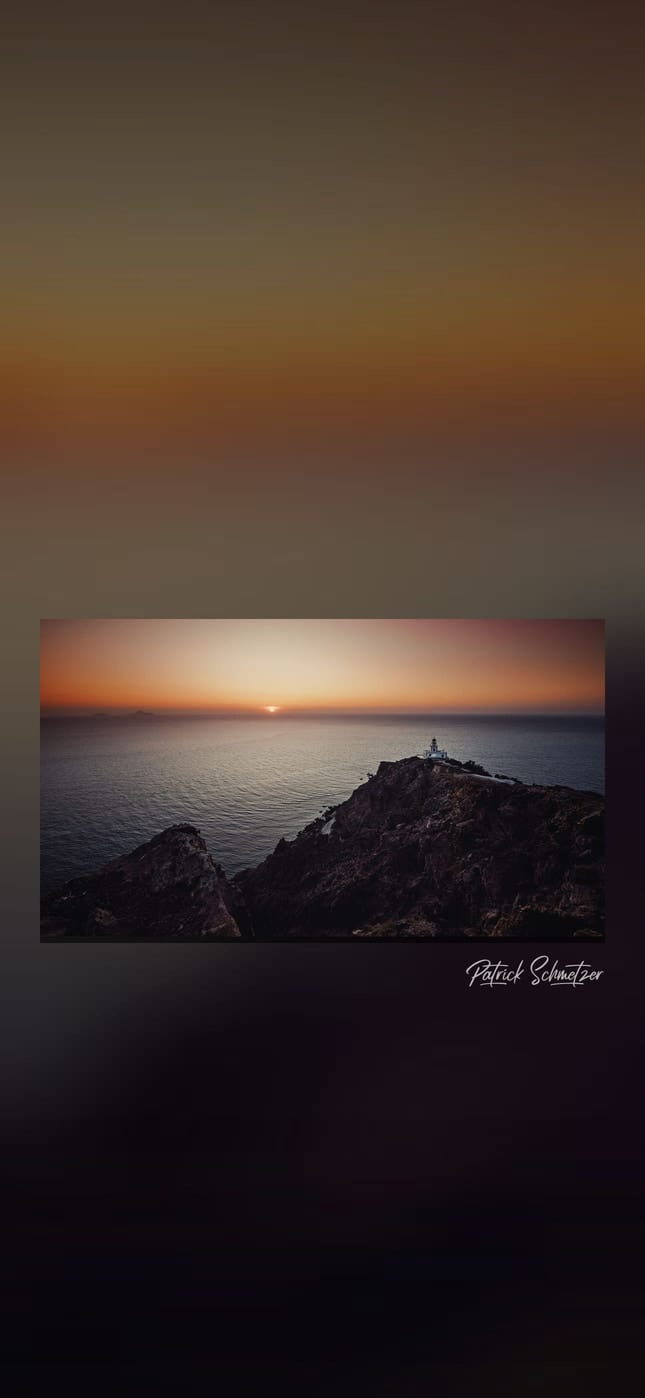
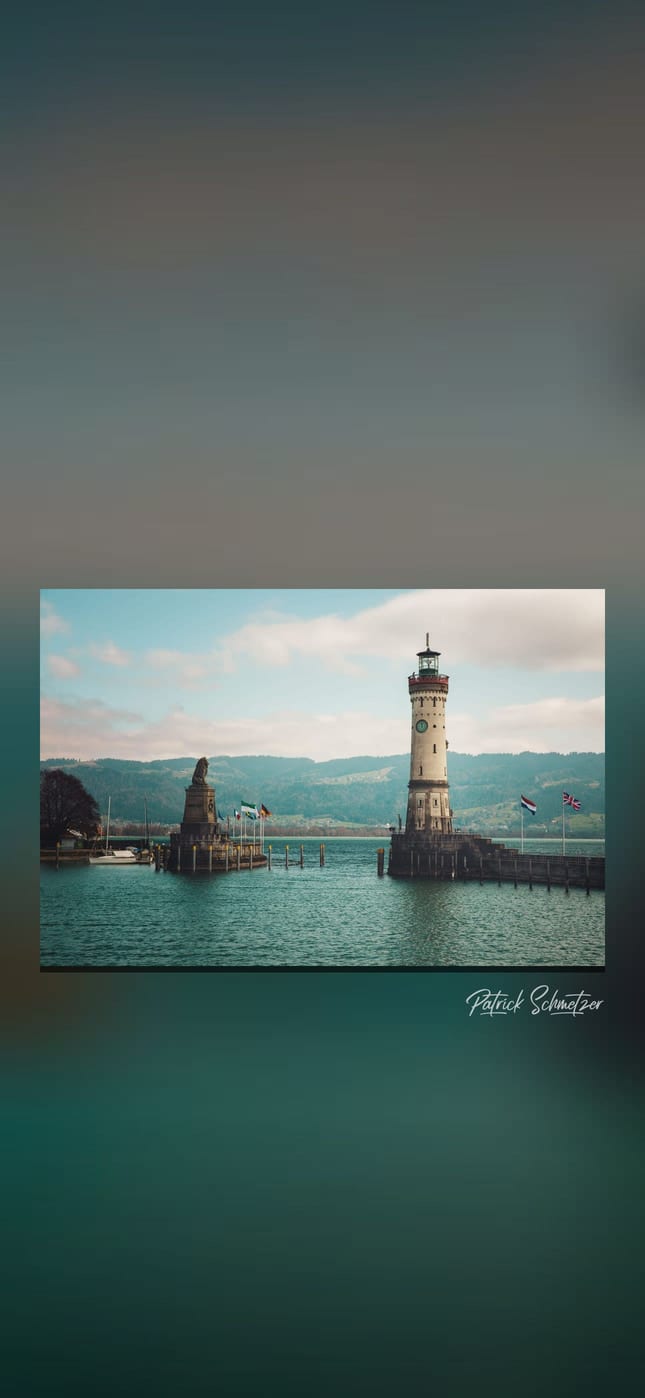


Preview: the frame and the clock are only a mock-up; the file contains just the picture.
Wall art from the Art Store
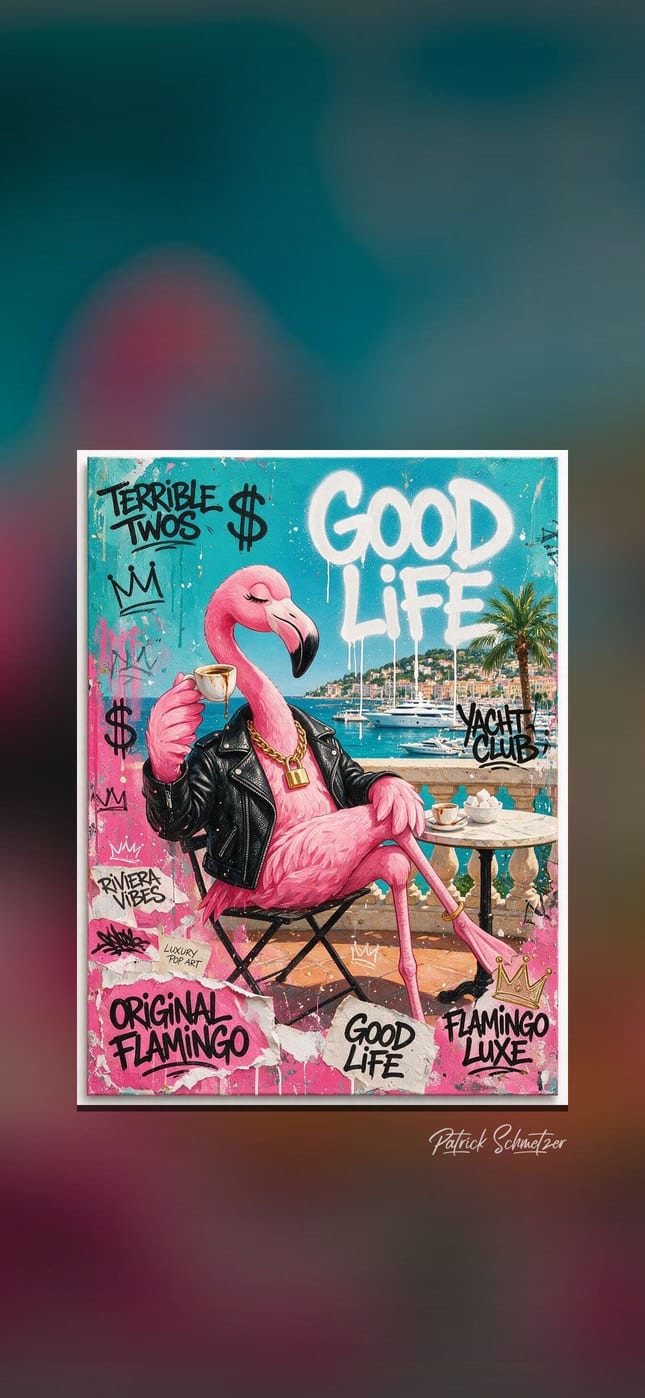
In the Art Store, these motifs are also made for the wall: as canvas, poster, acrylic glass or aluminum dibond.
Riviera Flamingo

The Boss Tiger
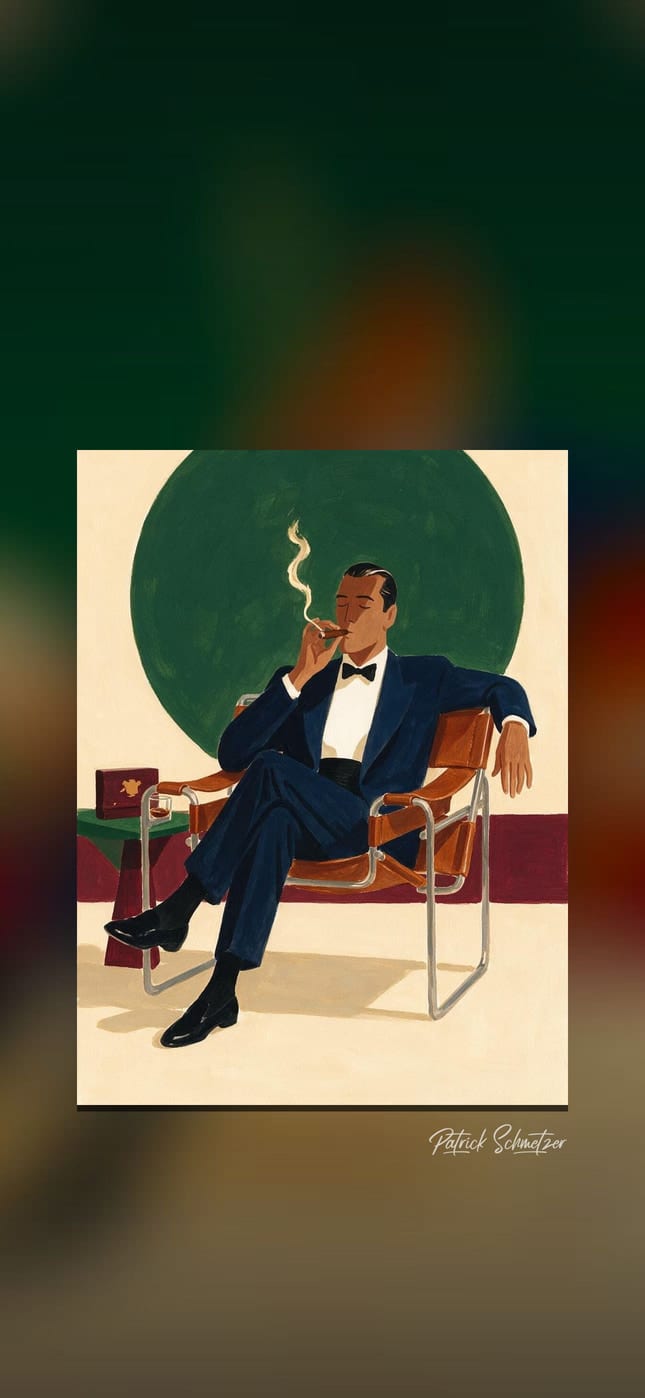
Cigar Lounge
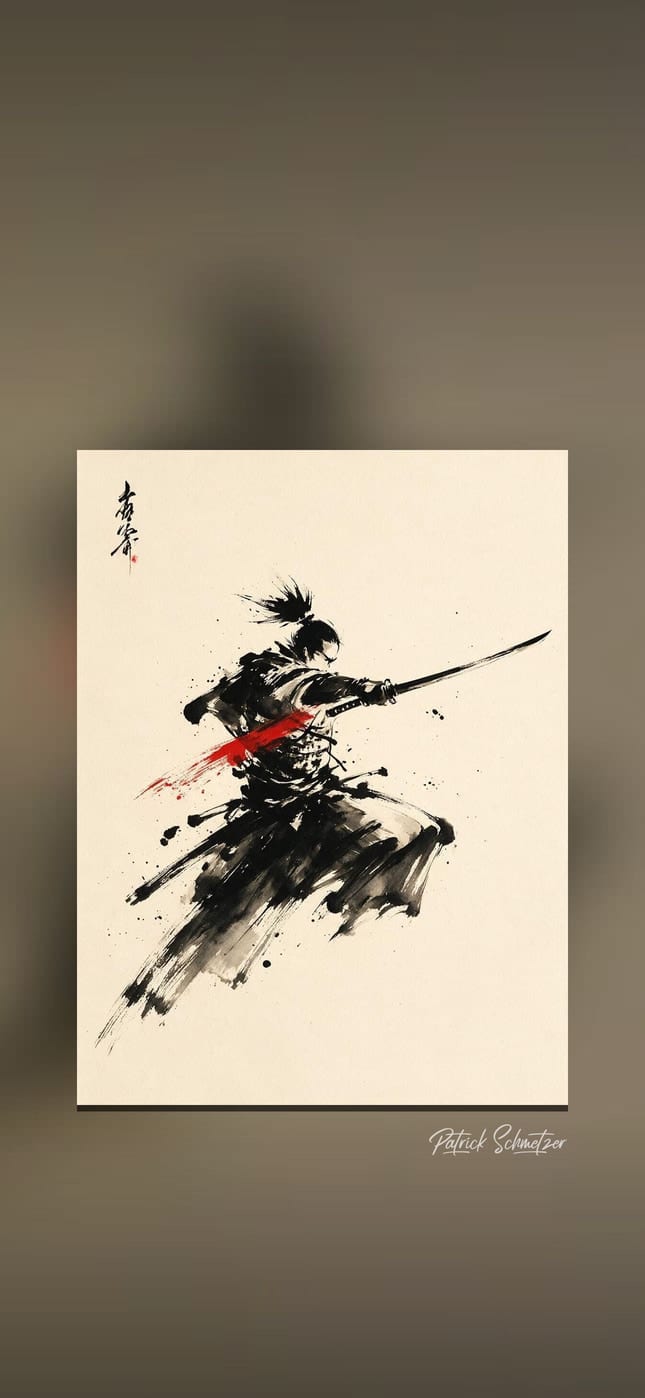
Samurai
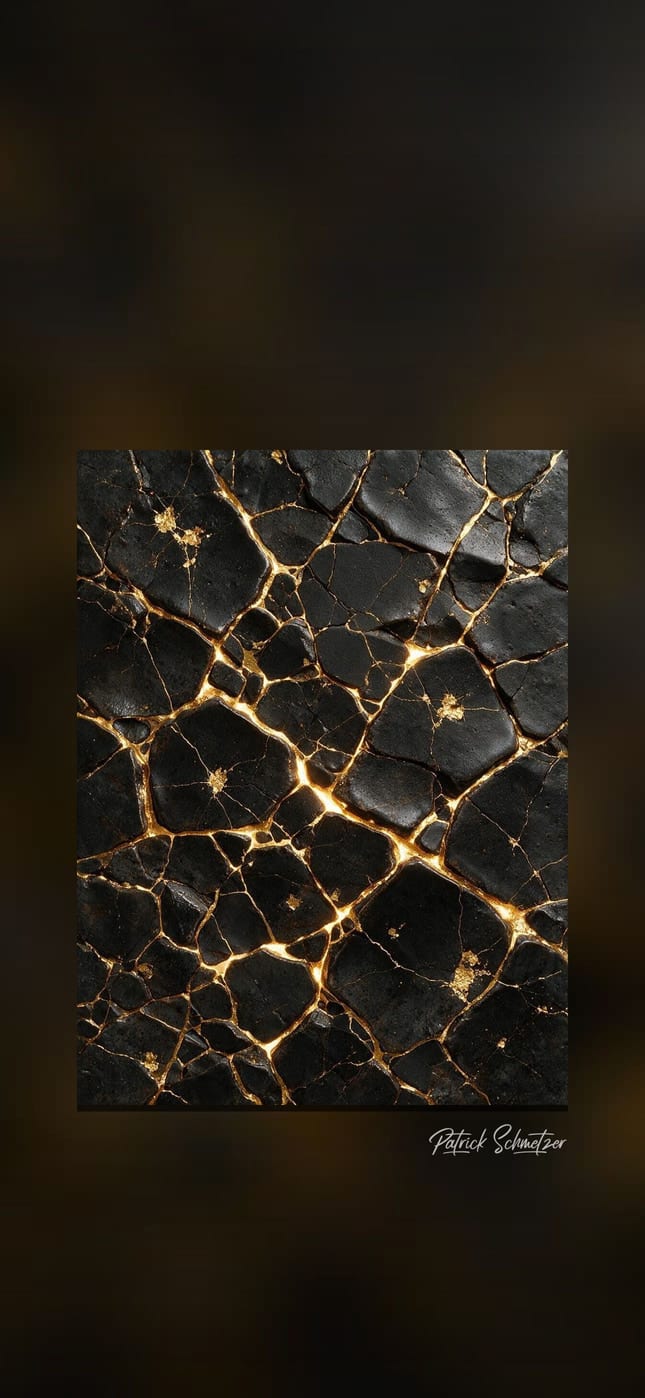
Kintsugi
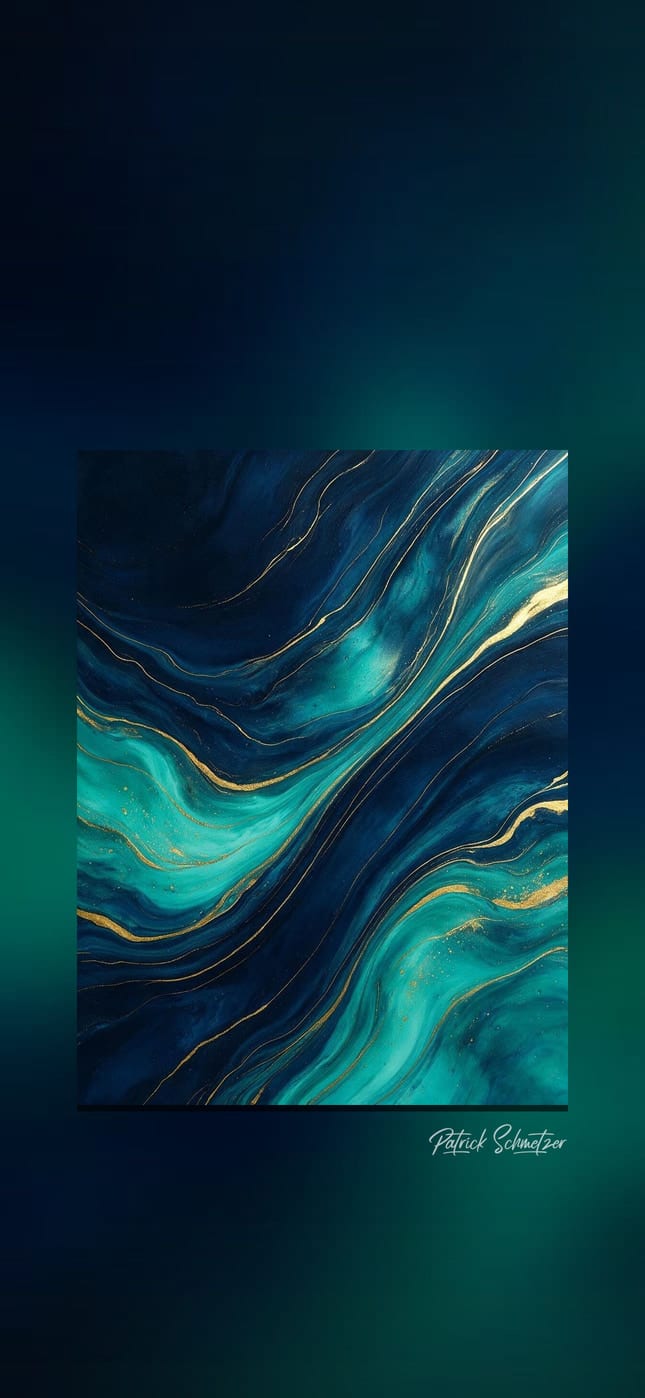
Ocean Gold


Preview: the frame and the clock are only a mock-up; the file contains just the picture.
How to make it your wallpaper
iPhone
- Tap “Phone”. Safari puts the image in the Files app under “Downloads”.
- Open it there, tap the share icon and then “Save Image”. It is now in Photos.
- In Photos, tap the share icon and choose “Use as Wallpaper”. Your iPhone places the clock on top by itself.
Android
The image lands in your “Downloads” folder. In your gallery or Google Photos, set it as your wallpaper from the menu.
Desktop
On a Mac, in System Settings under “Wallpaper”; on Windows, right-click the file and choose “Set as desktop background”.
Use
The wallpapers are free for your own devices: phone, tablet and computer. Commercial use, resale, printing and publishing the files elsewhere are not permitted; all rights to the images remain with me.
For a motif on your wall, there are the Art Store and Editions. For any other use, write to me.